

Supported Public Cloud Providers
The following cloud platforms are currently supported in Kubex: See Supported Platforms and Integrations - Public Cloud Platforms for the complete list.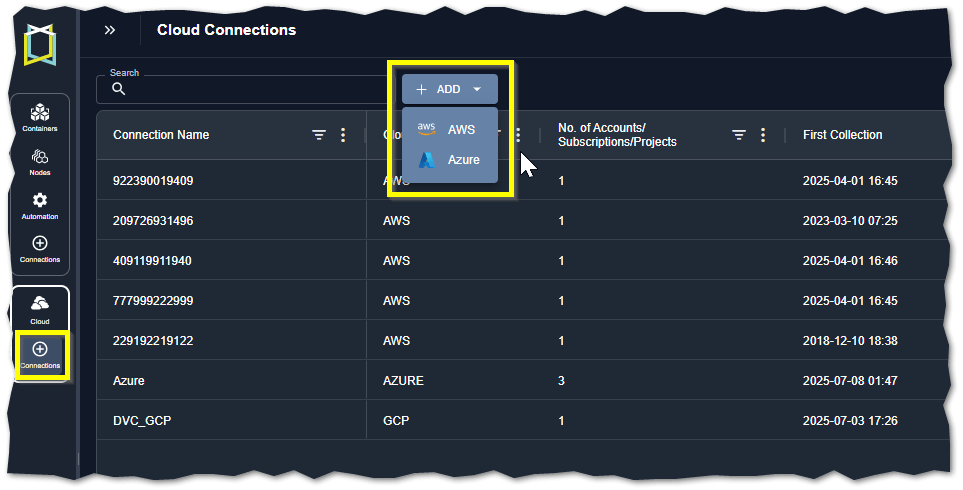
Required User Roles
When working with cloud connections, all users can access and view the cloud connections page. Only a user assigned to the “SaaS_Audit_Admin” group can create public cloud connections. See Managing Kubex User Accounts for details on adding the role to your user account.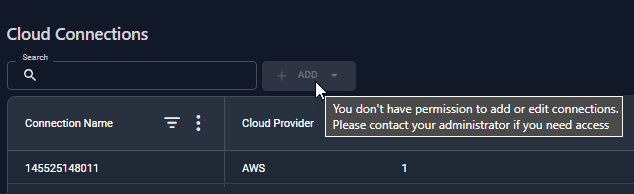
API Access
You can collect and analyze cloud data through the Kubex API. Refer to the following use cases for examples:- Optimizing AWS EC2 Instances
- Optimizing Microsoft Azure Virtual Machine Instances
- Optimizing GCP Compute Engine Instances